Section outline
-
Welcome & background
Welcome to this page on Graphic Facilitation and Visual Language.
You can use it as:- A brief crash-course on graphic language or
- A toolkit by looking into: icons, templates or cases.
Scroll down through the different learning sections one by one, or navigate between the different sections, using the menu to your left.
You must allot around 1,5 hours to go through the material as a new learner - and be ready with paper and markers.
If you wish to read more on the background on the project - please do so, by clicking here.
Enjoy!
-
Introduction: your brain's new best friend
Using Graphic Facilitation is NOT about making a good-looking presentation...

It is ALL about building bridges between your (analytical and methodical) left brain and (creative or artistic) right brain ...

and ALSO between people.
1. We do this by supporting words, thoughts and conversations with images. Images create a scaffold for communication and thus the base for understanding words and meaning becomes more solid.


-
What is Graphic Facilitation? - Why use it?
Get inspired:
Graham Shaw is an international conference presenter and trainer. He specialises in advanced communication skills and has helped thousands of people to develop the professional skills required to make convincing presentations.Graham Shaw introduces advantages of using visuals (17 min.)
What are the learning points?
- You can expand your
learning potential by remembering information better - by drawing.
- Everybody can draw –
all it takes is a few basic techniques – see how to make your own visual
toolkit.
- You can see the link between
images and a meaning – and think in pictures, even when it comes to abstract
meanings.
- You can expand your
learning potential by remembering information better - by drawing.
-
It is all about shapes
Try it out yourself

Let's build on to Graham Shaw's visual toolkit - practice creating abstract meanings:
Make 4 circles in the middle of a piece of paper.

..........................................................................................................................................
Change them into something else - you have one minute. It could be anything...


..........................................................................................................................................
Add a word - watch what happens...


A simple drawing connected with a word creates more meaning and shapes a memory.
_____________________________________________________________________________
Try it out yourself

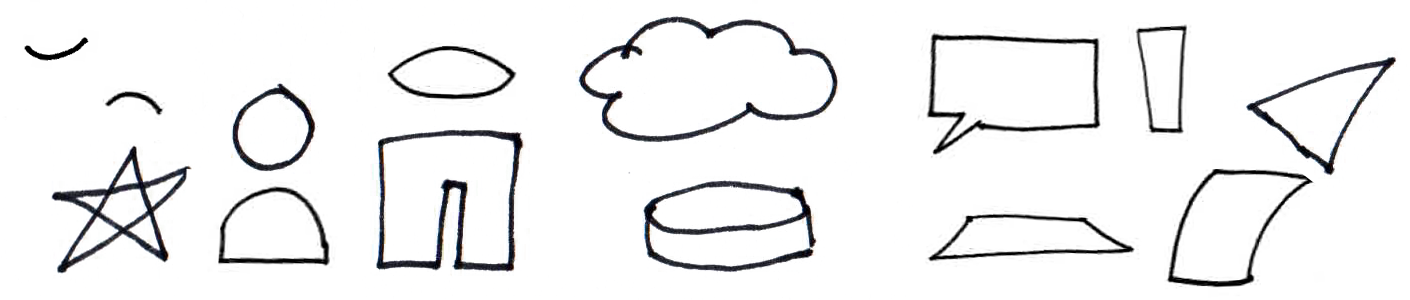
Next step - Make shapes like this one at the time:

..........................................................................................................................................
See if you can connect some of the shapes and twist them into these...

-
First steps to a visual language
Bigger Picture has made this video on 7 key drawing elements. Get ready with paper and pen:
(4,5 min.)
-
Icons
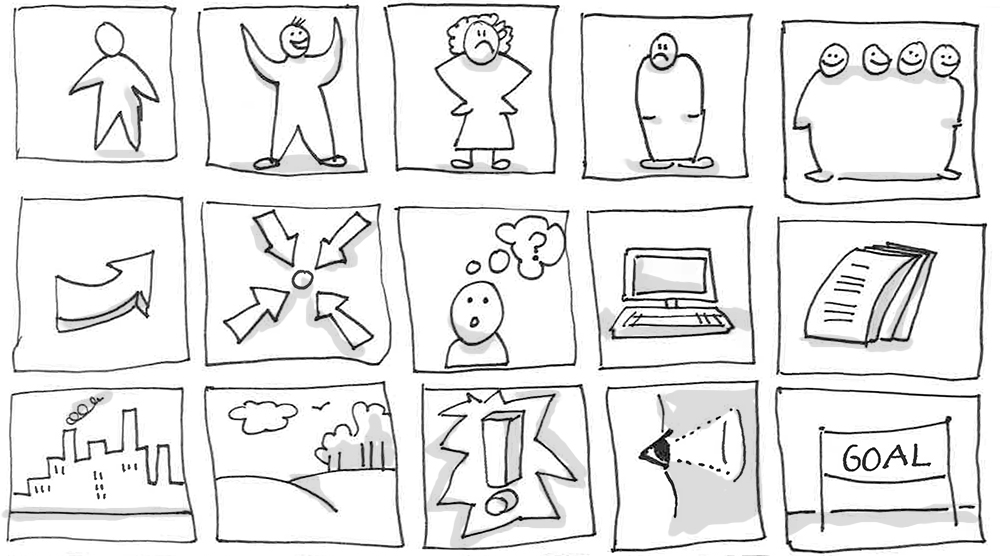
Using simple icons can be a fast way to supplement your words. The icons support the headlines to which you want give weight. They can add to the recognition of patterns or emphasize a meaning in a bigger picture.
In this library you can find a selection of:
- 'general' icons which are often used, and also
- the CSO specific icons which we worked with in SHOWIT.
In this regard we have tried to adapt to our work with South and the differences there must be with relation to culture or language.
Click here to enter:
Icons_______________________________________________________________________________________
Second step: Find the visual words you need in your life
See how in this video by Bigger Picture:
Learning Graphic Facilitation - 8th element (4 min.)
_____________________________________________________________________________
Are you ready to build a larger visual vocabulary?
Try it out yourself

What is relevant in your job?
- Think about 5 subjects or words you often use in your workflow...

- Make a simple drawing of that subject/word.
+
= 
_______________________________________________________________________________________
Get inspiration for more drawings:
(5 min.)
-
Templates
Third step: expanding your visual language with communication templates
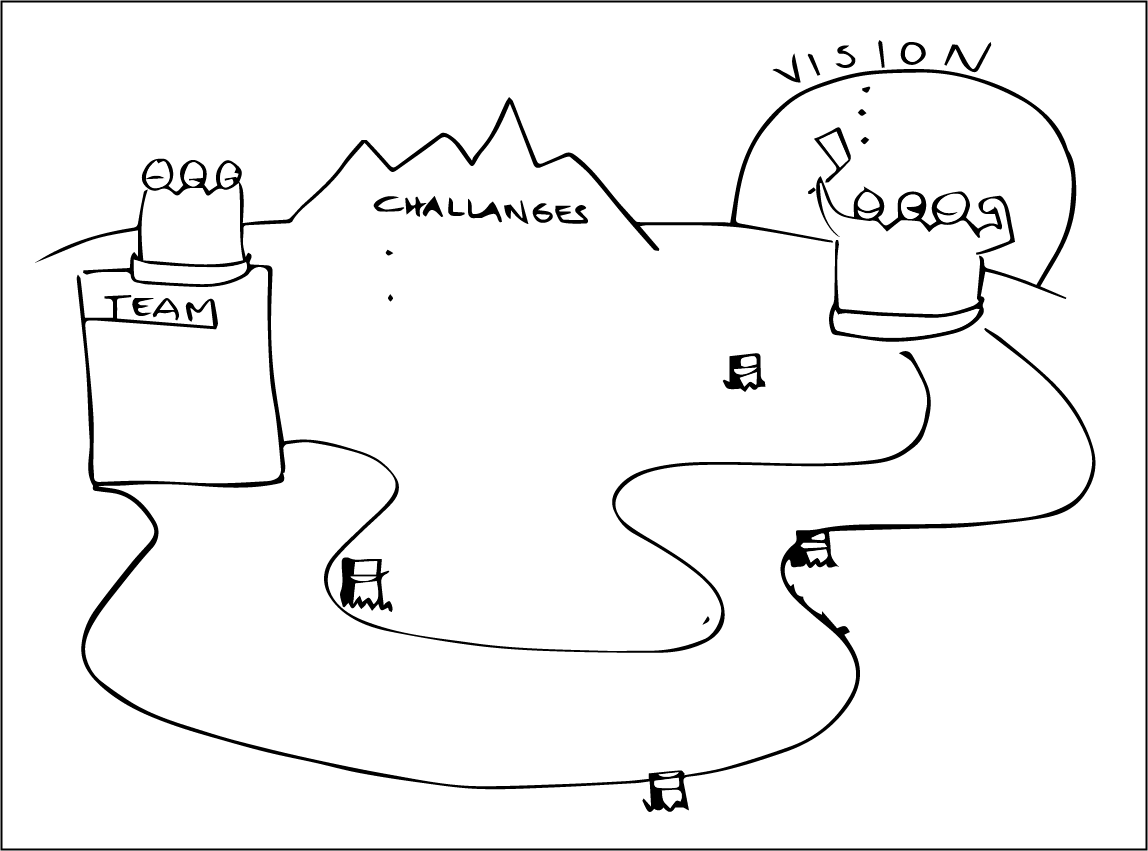
Using process-templates can be a good way to support a meeting/workshop or your own work process.

The image can help to keep the target in mind and remember the whole process, as well as engaging other participants - giving them the possibility to write on post-its and seeing their contributions immediately.
In this library you can find a selection of:
- 'General' Templates which are often used for:
- Brainstorming and selecting
- Project planning
- Making agendas for meetings or workshops
- Strategy planning
- The SHOWIT cases are meant as a complete facilitator tool – consider the storyboard and case setting as an explanation to the case tool.
General Templates
SHOWIT Cases